
ShapeMaster User Guide
Property sheets are special dialogs that show the properties of the drawing/job or a given object in it (such as a shape, shown below right). Properties are user-defined variables (or defaults) that every shape in the library can access.
A property sheet is divided into Categories (or groups) under which are related Pages. The property options are accessed by clicking on the corresponding Page heading.
Context Sensitive Help is a quick and easy way to find relevant help when you are working in ShapeMaster.
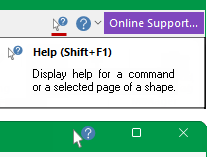
For help with a command button or a shape property window simply click on Context Help  button [the cursor will change to a question mark
  ] and then click on the command or shape page.
If you need more details on Property Inspector options/settings, click on the  icon in the title bar [the cursor will change to a question mark ] then click on the property sheet.
The Library, Drawing and Catalog properties all have similar Categories/Pages and their property sheets have control buttons.

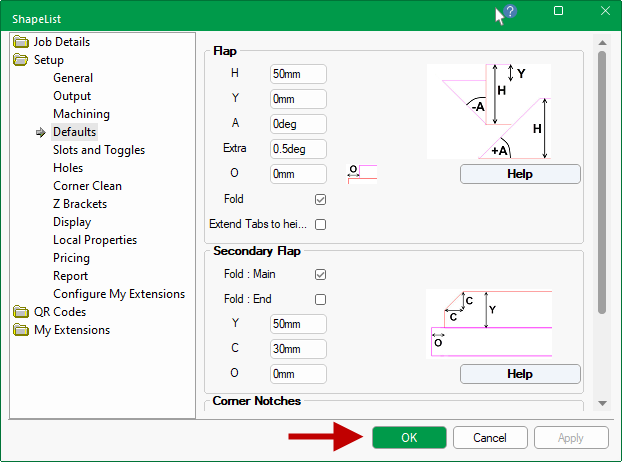
Property sheets for the Shape (shown) and for Drawing objects can only be closed by using the close button and any changes will immediately be applied.
