ShapeMaster User Guide
Drawing Properties override the global defaults set in the Catalog Properties. This is useful as each job/drawing has its own criteria.
Drawing defaults can in turn can be overridden by Shape Properties.
Want a quick and easy way to find relevant help for Drawing Properties?
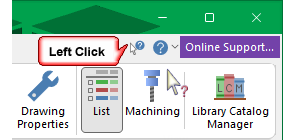
 button in the title bar, as shown right;
 - click on the page you need assistance with!
Drawing Properties are normally presented when you start a new drawing, allowing you to define customer details, allocate job numbers and other settings pertaining to the current job/drawing.
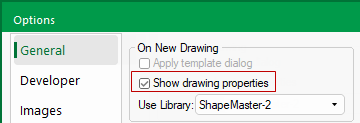
The default to 'Show drawing properties' can be changed in Options [F10]
To turn off the automatic opening of the Drawing Properties on starting/opening the Options dialog and untick the check box.
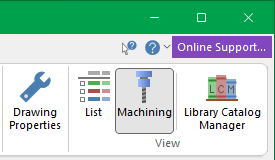
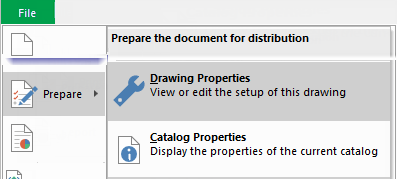
It is important to set these properties BEFORE starting a NEW job and can also be accessed at any time using the:-