ShapeMaster User Guide
Access these from File > Prepare > Library Properties
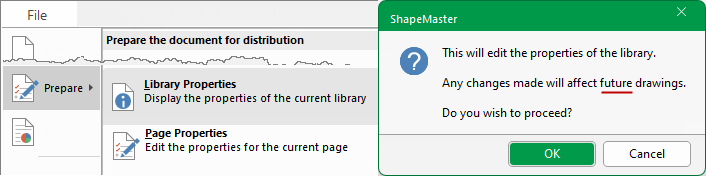
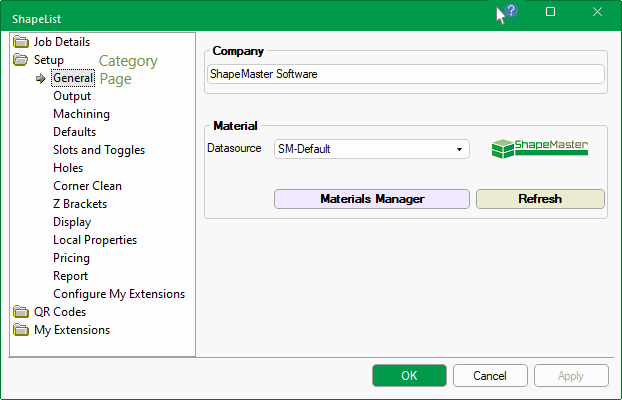
This starts a dialog, shown below, which lets you edit properties of the current library.
When you Start Up your software or create a new drawing, you typically start with a library loaded e.g. ShapeMaster-2, and therefore based on this selected library.
The drawing starts off with its own set of properties, called the Drawing Properties, which are an exact copy of those in the library.
If you find yourself making the same changes for each drawing, you can amend the Library Properties. Once the library is saved, any NEW drawings you create in the future will use the updated changes.
As you select each friendly page, a relevant property inspector will be displayed allowing you to enter user defined variables.