
ShapeMaster User Guide
The Catalog allows you to save multiple versions of shapes, each with different settings. Therefore the catalog structure provides a helpful separation of the library design into two levels...
A catalog therefore makes it possible to have one shape such as a "Rectangle" and then 6 variations of this i.e. with different default widths etc.
The Library Catalog Manager is accessed from the Home tab.
Customise an existing shape and save this to your catalog for future use - useful if frequently used and especially if it is a compound item. It will then be available to other drawings you create.
Simply change the dimensions etc and/or create a compound shape. Then ...
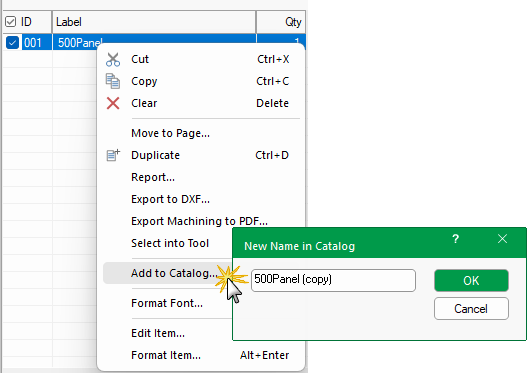
If the shape already exists then you will be asked if you want to 'Replace the existing item...?'
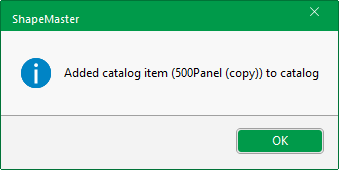
Click to view Catalog