ShapeMaster User Guide
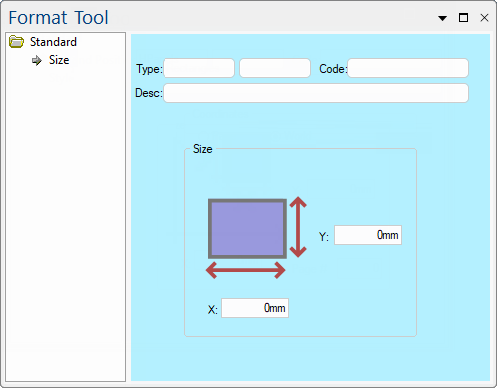
Size is the second most common property page, and most graphical drawing tools have one. It is very similar to the Position page in appearance, except that here the X and Y edit boxes contain the overall width and depth of the object instead.
The Position controls are the most common controls and are normally only available after placement. These controls are the least frequently used because every drawing object has them but there is rarely a need to position an object manually.
|
|
Refer Common Controls.
X and Y edit boxes contain the overall width and depth of the object. Changing the values in the size boxes resizes the object. You can resize simple objects like the Rectangle and complex objects like a Poly Curve. The size values for these objects is the dimensions of the bounding box, i.e. the distances of the outer-most points. When you resize them, each point in the object is moved so that the overall shape scales to its new size.
Like the Position page, the values are in real World measurements.