ShapeMaster User Guide
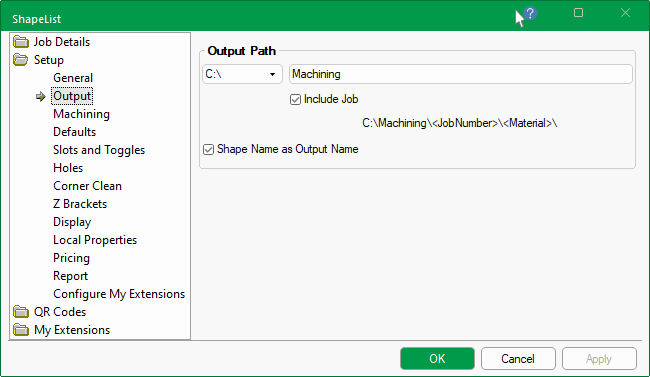
The Setup > Output page allows you to designate the output path and naming conventions in the Catalog/Drawing Properties.
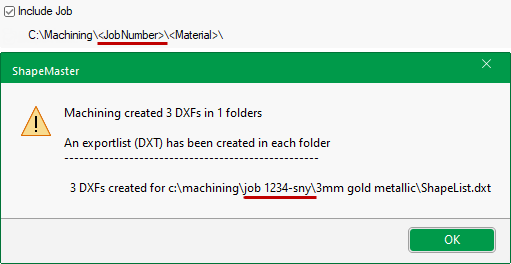
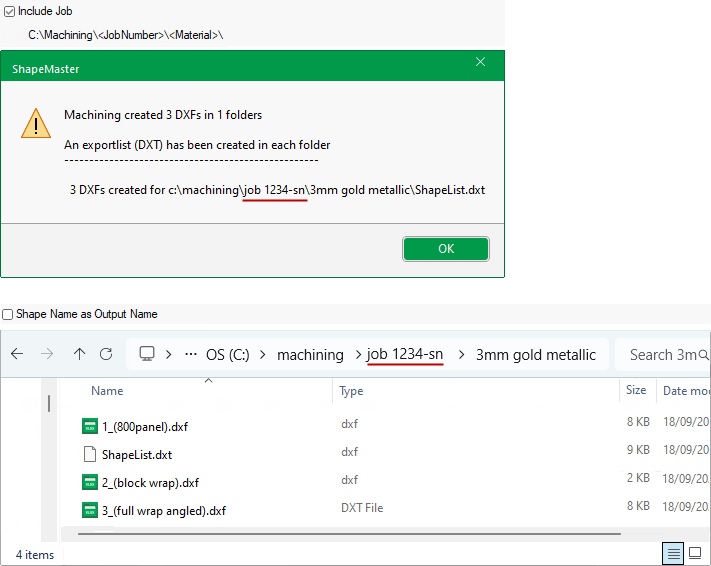
Ability to designate the Drive, Path location of where the DXT files are to be output to, ready for nesting and toolpathing in EzyNest. The path will automatically include the chosen material and can be extended to Include Job Number if required. A sample of selected path will be displayed.
If Shape Name as Output Name is checked, the user defined part name (if it is not blank) with the ID appended to it, will be used instead.
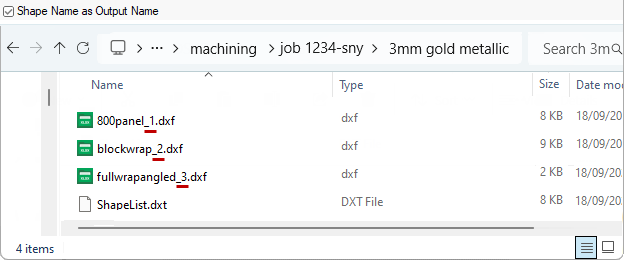
Include Job : ON and Shape Name : ON
This example shows the user defined part name (e.g. 800panel) with the ID number appended to it (e.g. _1) - see Qty and Name Shape Settings.
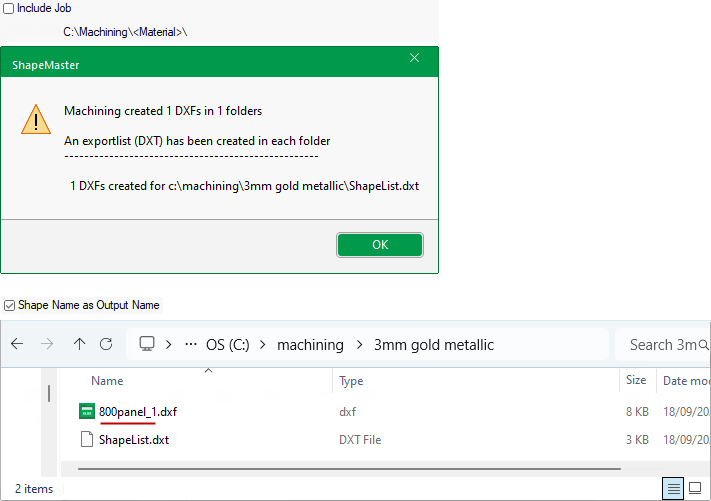
Include Job : OFF and Shape Name : ON
Include Job : ON and Shape Name : OFF