ShapeMaster User Guide
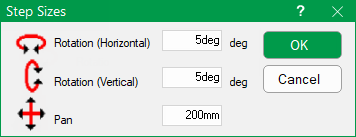
The Step Sizes dialog controls how far the view moves when the 3D Navigate right click menu is used (shown below).
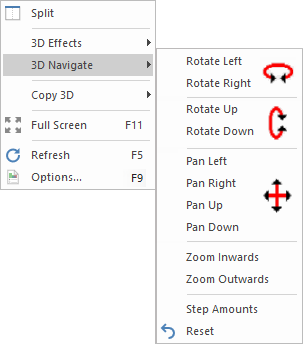
When you click the menu command:-
The distance moved by the other non-rotation controls is set to the value of Pan.
The default values for these are 5 degrees and 200mm, as shown.