ShapeMaster User Guide
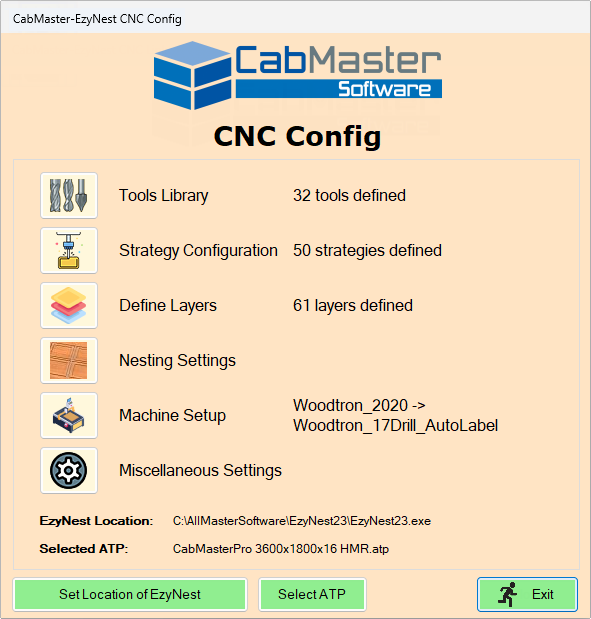
This is the main menu of the CNC Config which is accessed using the  command button on the Machining View [Current Drawing] command tab and replaces the need for accessing the ATP, Preferences and Driver Selection options in EzyNest.
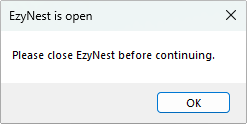
EzyNest MUST NOT be running as CNC-Config will adjust its files, which cannot be done if EzyNest is open.
“CabMaster Software” is the name of the group of products.
To locate information about any of the command buttons  click on the area of interest.
The Location of EzyNest/EnRoute and Selected ATP being edited is displayed at the bottom of the Main Menu.
The buttons allow you to set/change the current Location/ATP. If a different location of EzyNest or a different ATP are selected, this will update the details in ShapeMaster, so when Machining View/Generate Nests is used it will use the EzyNest and ATP that are selected here.
The length of time can be set on the Miscellaneous Settings page.
Note that the backups will only be deleted when CNC-Config runs once the 'x' number of days has been reached.
EzyNest MUST NOT be running, as CNC-Config will adjust its files, which cannot be done if EzyNest is open.
For 6th face machining you must be using a version of EzyNest which is v7 or higher.