ShapeMaster User Guide
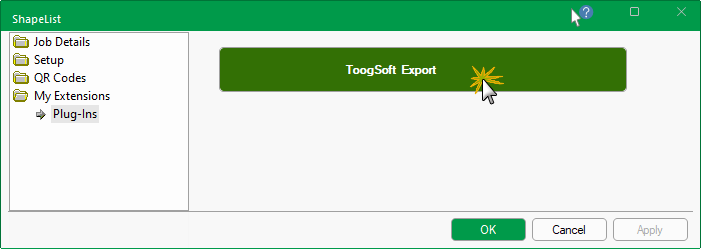
A Plugin is an external control that integrates with the ShapeMaster interface with which the user can interact with and can be run from the My Extensions > Plug-Ins page at Drawing level and/or at Shape level.
Click to view other Plug-Ins option
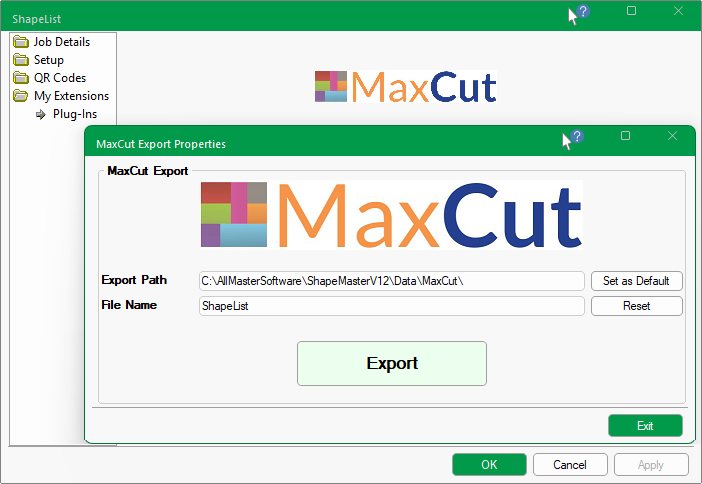
MaxCut is a 3rd party product which can be purchased as a product for handling panel cutting jobs for panel saws (not CNC machines).
MaxCut provides a link to Setup Tutorials
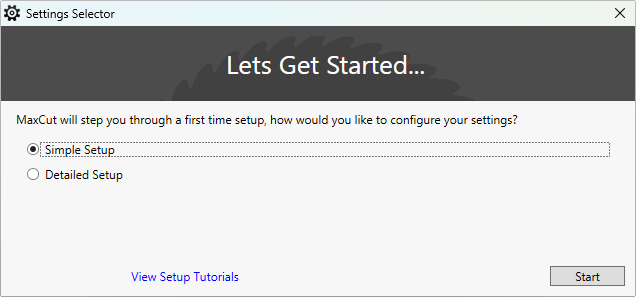
Click to view MaxCut survey questions prior to getting started.
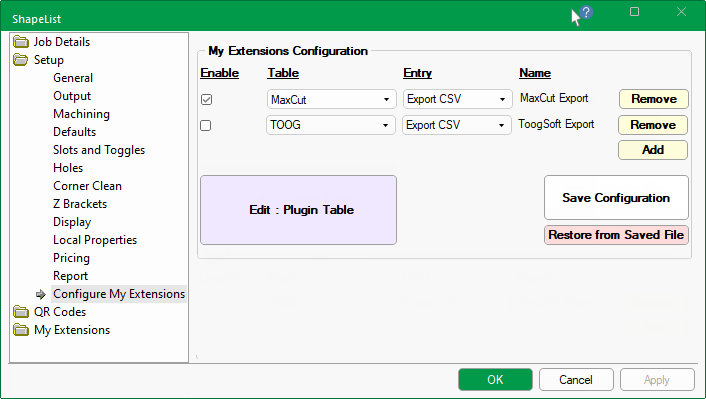
Multiple 'PlugIn' tables can be setup and configured on the Setup > Configure My Extensions page.
Tables can be packaged by our CabMaster Support Team for download.
My Extensions are usually extras that are set up by CabMaster Support Team to meet customer requirements and are normally links to an extra properties page for specific export or reporting.
PlugIn tables are located in the …\Table\Plugins\ subfolder.
The applicable table can be viewed and edited by clicking on the View Table button. It is however, recommended to use the following Form to make any changes.
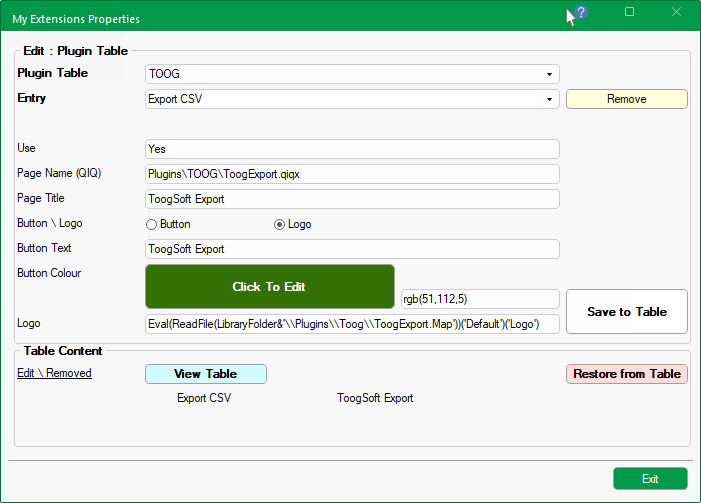
Click to view PlugIn table
When configuring My Extensions of the Catalog/Drawing Properties, there is Button or Logo option - see example at the start of this topic.
If a Button is selected, then you will be able to select a colour by clicking on the Click to Edit button which will allow you to make a Colour Selection.
Example of Button